
⚡
Add expenses in seconds
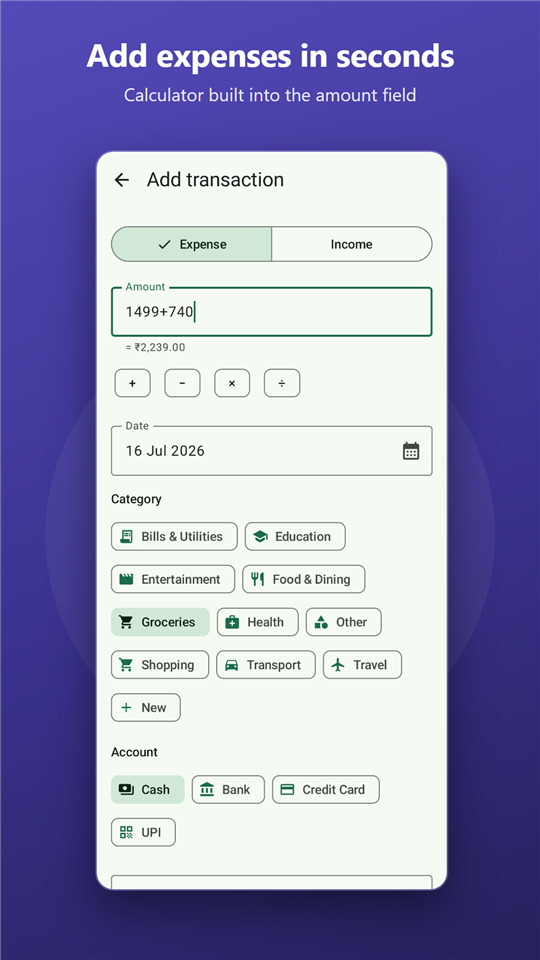
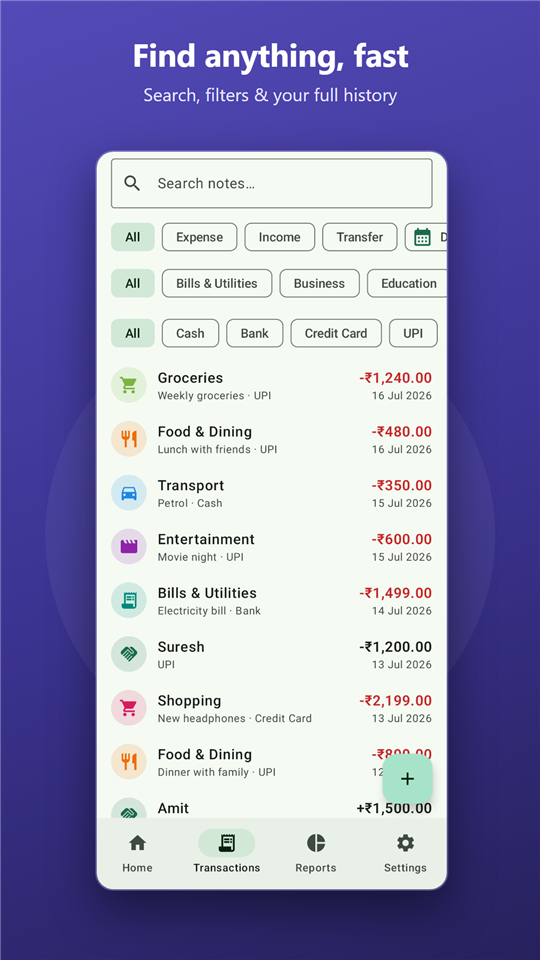
A calculator is built right into the amount field. Duplicate, edit or undo-delete any transaction.
OwlSpend keeps your money organised and your data on your phone. No account, no sign-up, no trackers — your financial life stays in files you control.
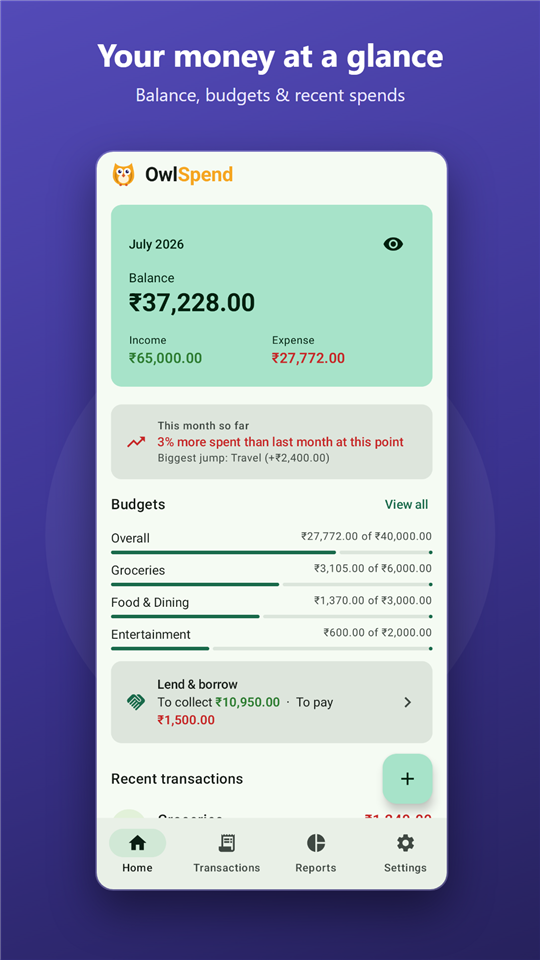
Fast to use every day, thorough when you want the full picture.
A calculator is built right into the amount field. Duplicate, edit or undo-delete any transaction.
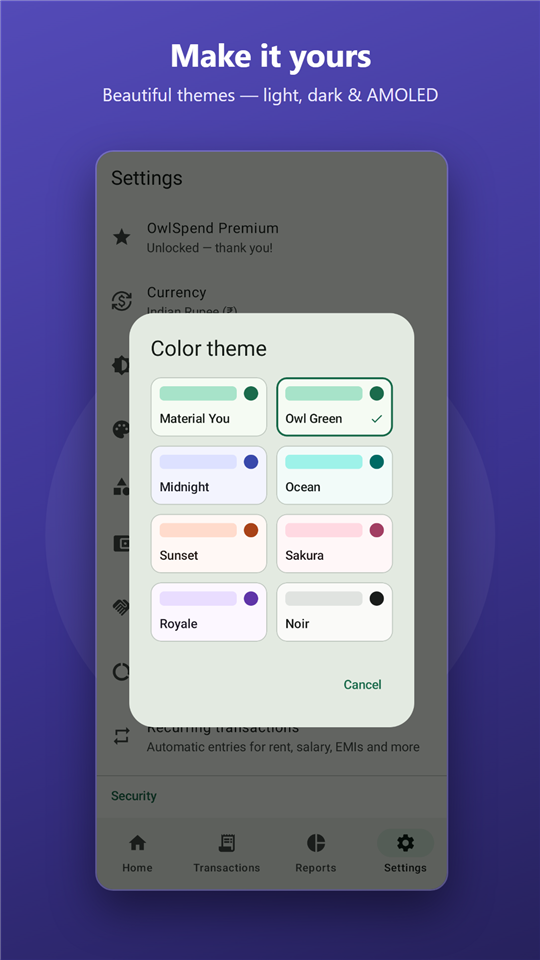
Pick your own icons and colours. Track cash, bank and wallets side by side, with transfers between them.
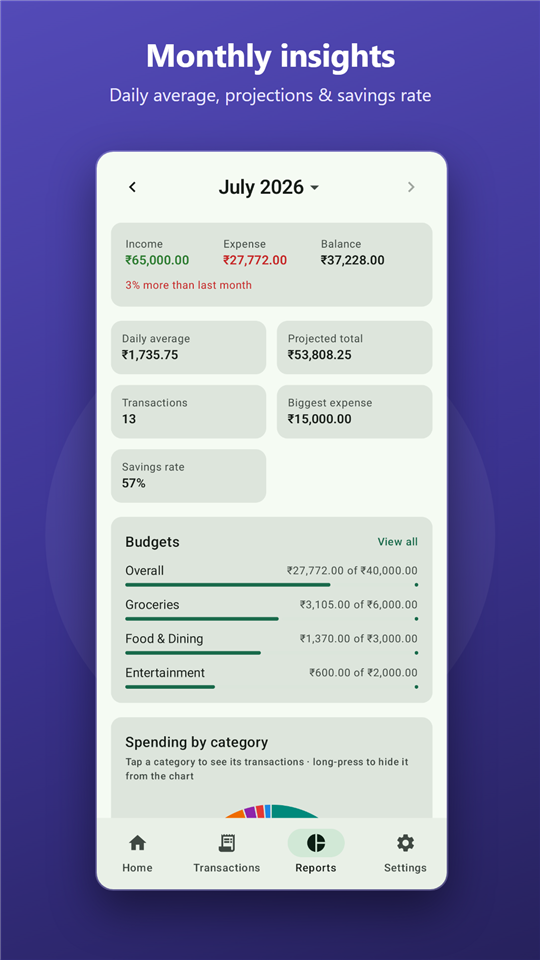
Set monthly limits per category and get a heads-up before you overspend — not after.
Rent, subscriptions, salary — added automatically on schedule so you never forget them.
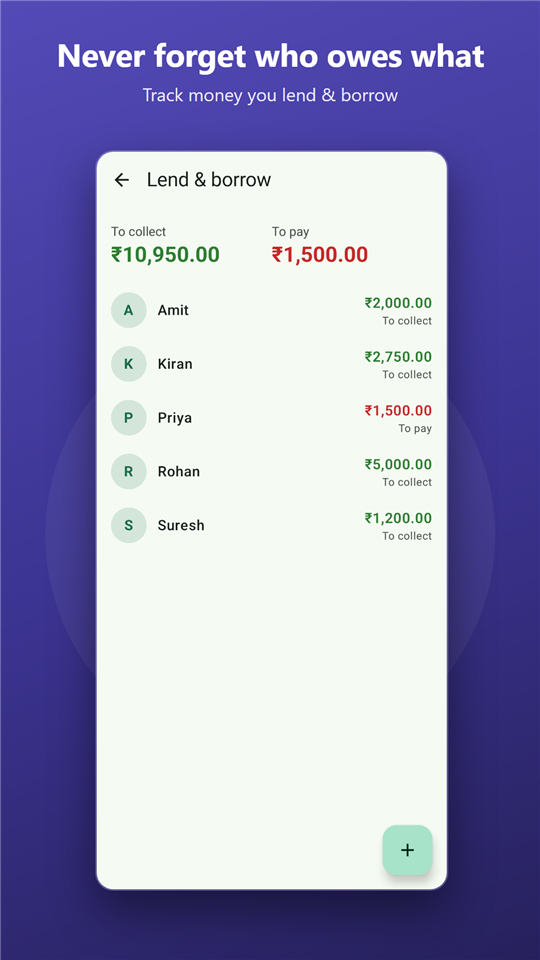
See who owes you and whom you owe, person by person. Record payments until you settle up.
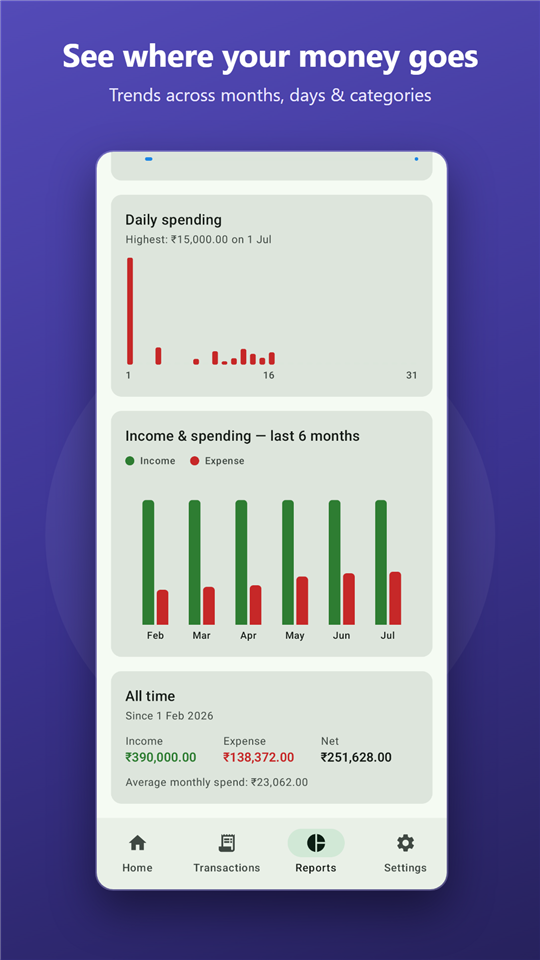
Daily and monthly charts, category breakdowns and spending insights that spot patterns for you.
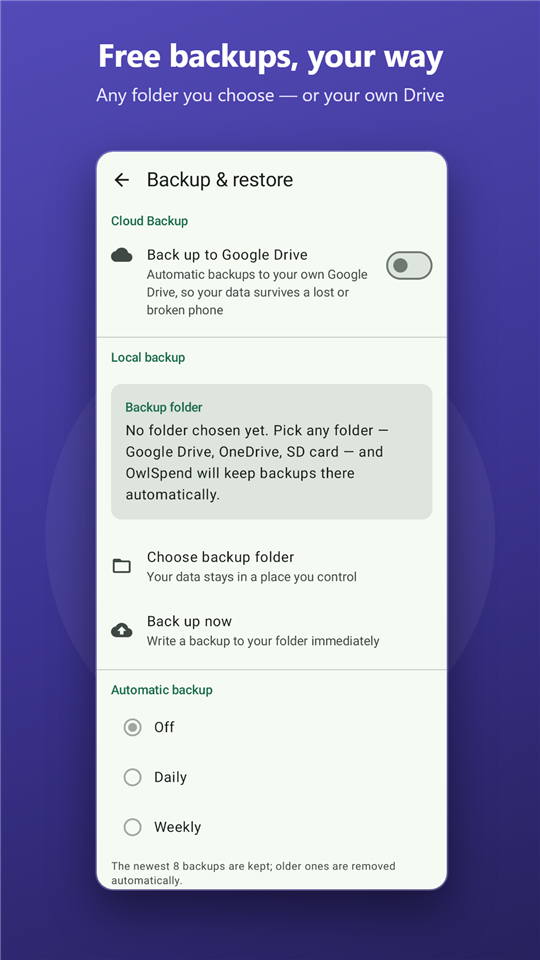
Back up to any folder you choose, on a schedule, with restore preview. Export and import CSV any time.
Lock the app with PIN, fingerprint or face. Privacy mode hides amounts from prying eyes.
Today's spending at a glance, and a new expense is always one tap away.
Most finance apps want your data on their servers. OwlSpend is built the opposite way: everything stays on your device, in files you control. We don't run any servers — there is nothing for your data to be uploaded to.
Back up to your own folder or your own Google Drive, export CSV any time, and switch phones without asking anyone's permission.
Read the privacy policyYes. Your transactions are stored on your device and OwlSpend works fully offline. No sign-up or account is needed to use it. Your data only leaves the device if you choose to turn on Google Drive cloud backup — and that goes to your own Drive, not to us.
Open Settings ▸ Backup & restore. You can back up to a folder on your device or SD card for free, on a schedule, and restore from it any time — with a preview of what's inside before you commit. Premium adds automatic backup to your private Google Drive space so moving to a new phone is easy.
Yes. Add a person under Lend & borrow, tap Gave when you give them money and Got when they pay you back. OwlSpend keeps a running total of what you're owed and what you owe, and Settle up clears a balance.
Almost certainly — OwlSpend supports over 155 world currencies with locale-aware formatting, and picks a sensible default from your SIM and language settings. You can change it any time.
Yes. CSV export and import are free — useful for spreadsheets or moving data in and out. Premium adds a polished PDF statement you can share or print.
Premium is a one-time purchase — no subscription. It unlocks all-time history and analytics, automatic Google Drive backup, PDF statements, receipt photos, extra colour themes, unlimited people in Lend & borrow, and higher limits for budgets and recurring rules.
Found a bug, missing a feature, or just want to say hello? Send us a message with the form and we'll get back to you.